One-on-One Chat
Creating a Chat
- Click + New Conversation, or use the New Conversation button.
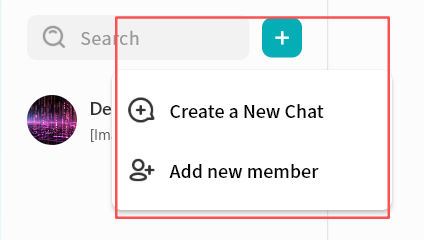
- In the contact selection window, choose one or more users to start the conversation.
- If you select multiple contacts, the conversation will automatically switch to group chat mode.
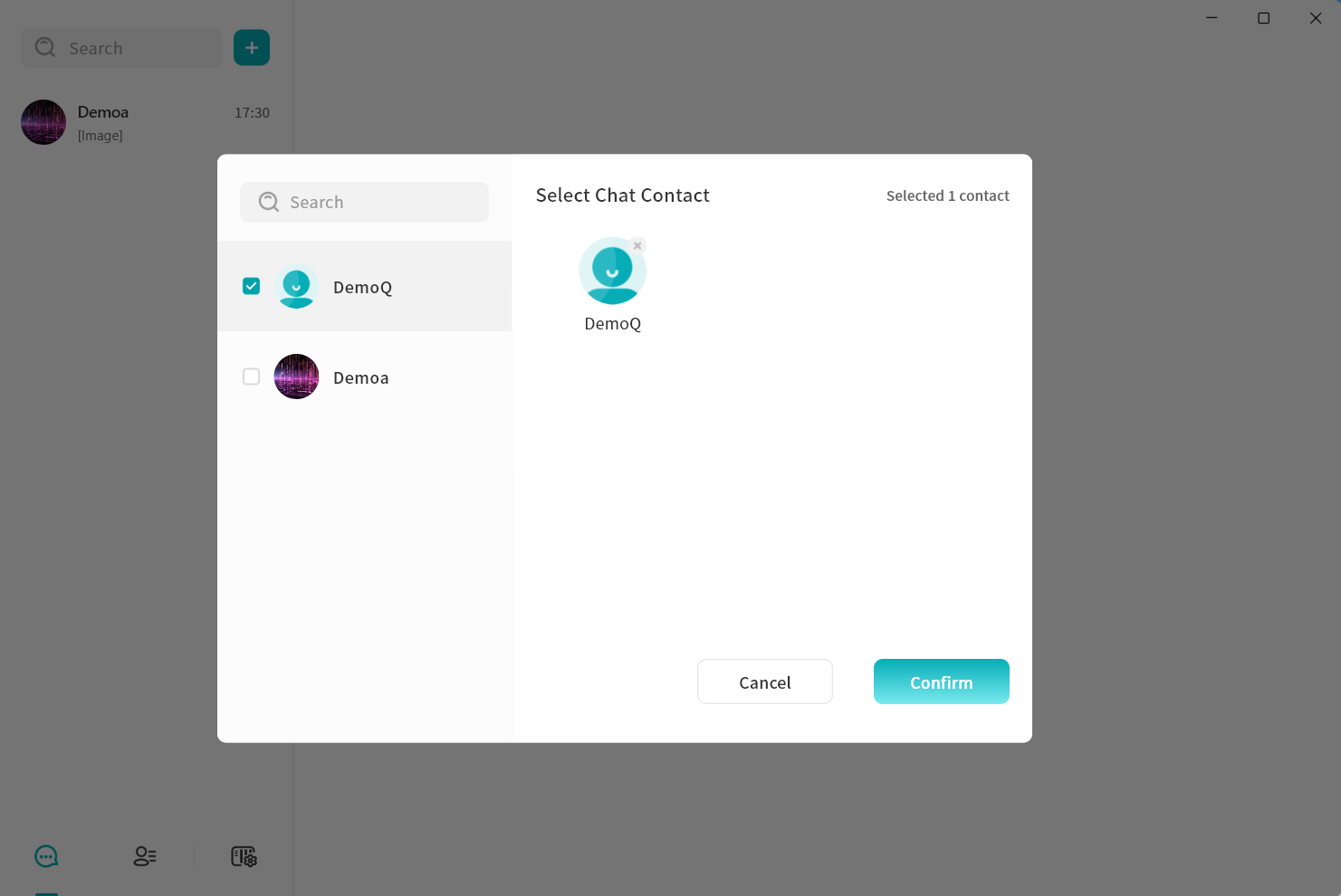
- If you select multiple contacts, the conversation will automatically switch to group chat mode.
- Click Confirm to create the conversation.
Deleting a Conversation
You can delete an existing conversation with a contact as follows:
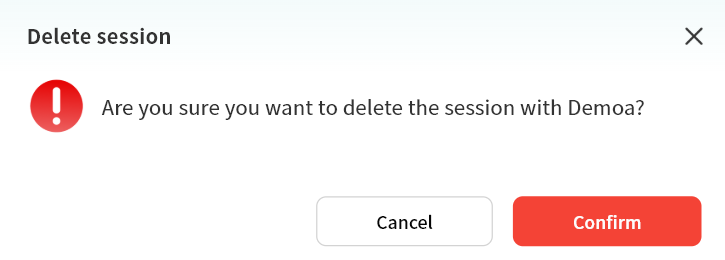
- In the chat window, click the ... menu in the top-right corner and select Delete Conversation.
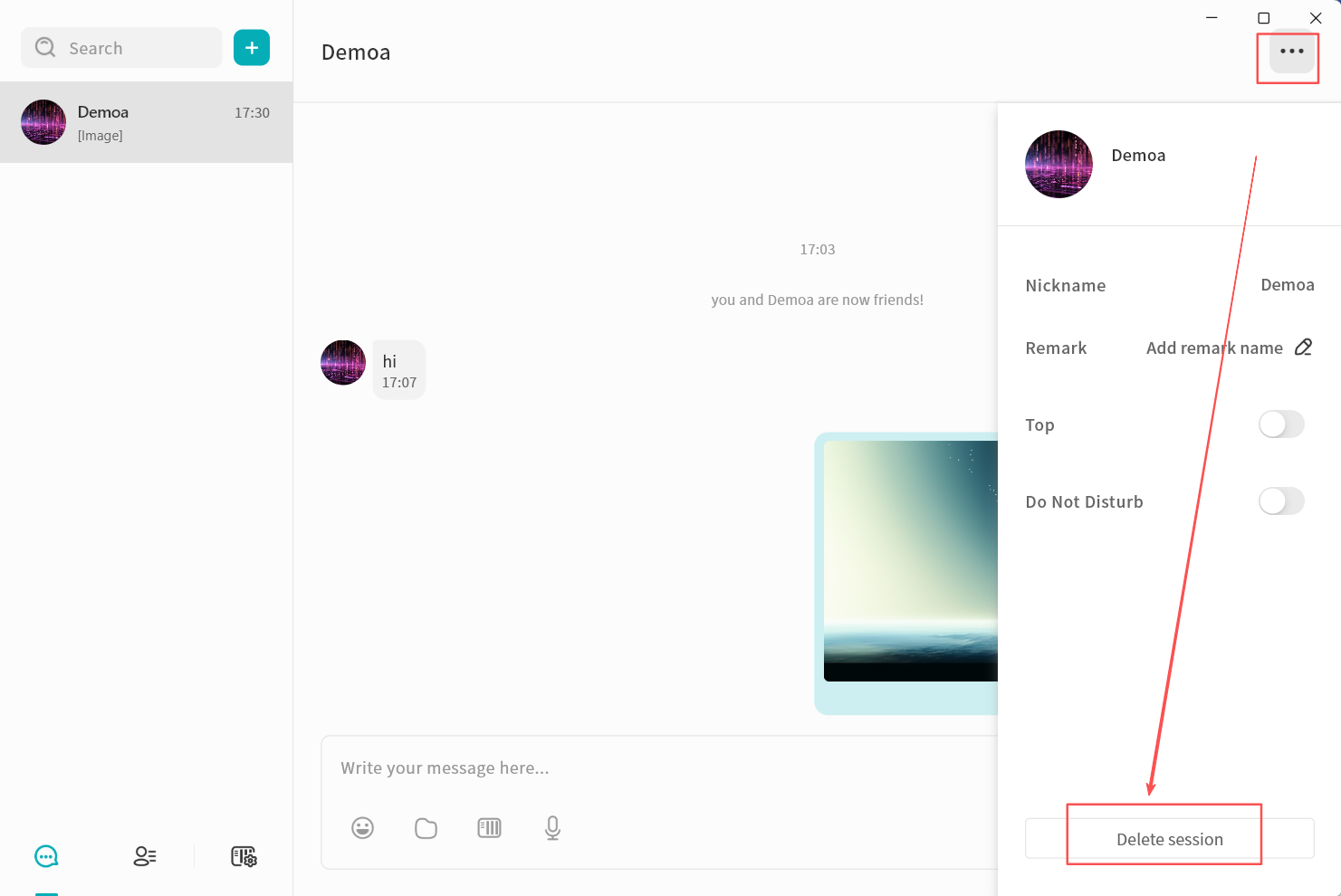
- In the confirmation window, click Confirm to delete the conversation.
warning
Deleting a conversation will remove all chat records with that user from your view. Even if you start a new conversation later, previous messages will not reappear. However, the recipient will still retain the full chat history.
Pinning Chats and Muting Notifications
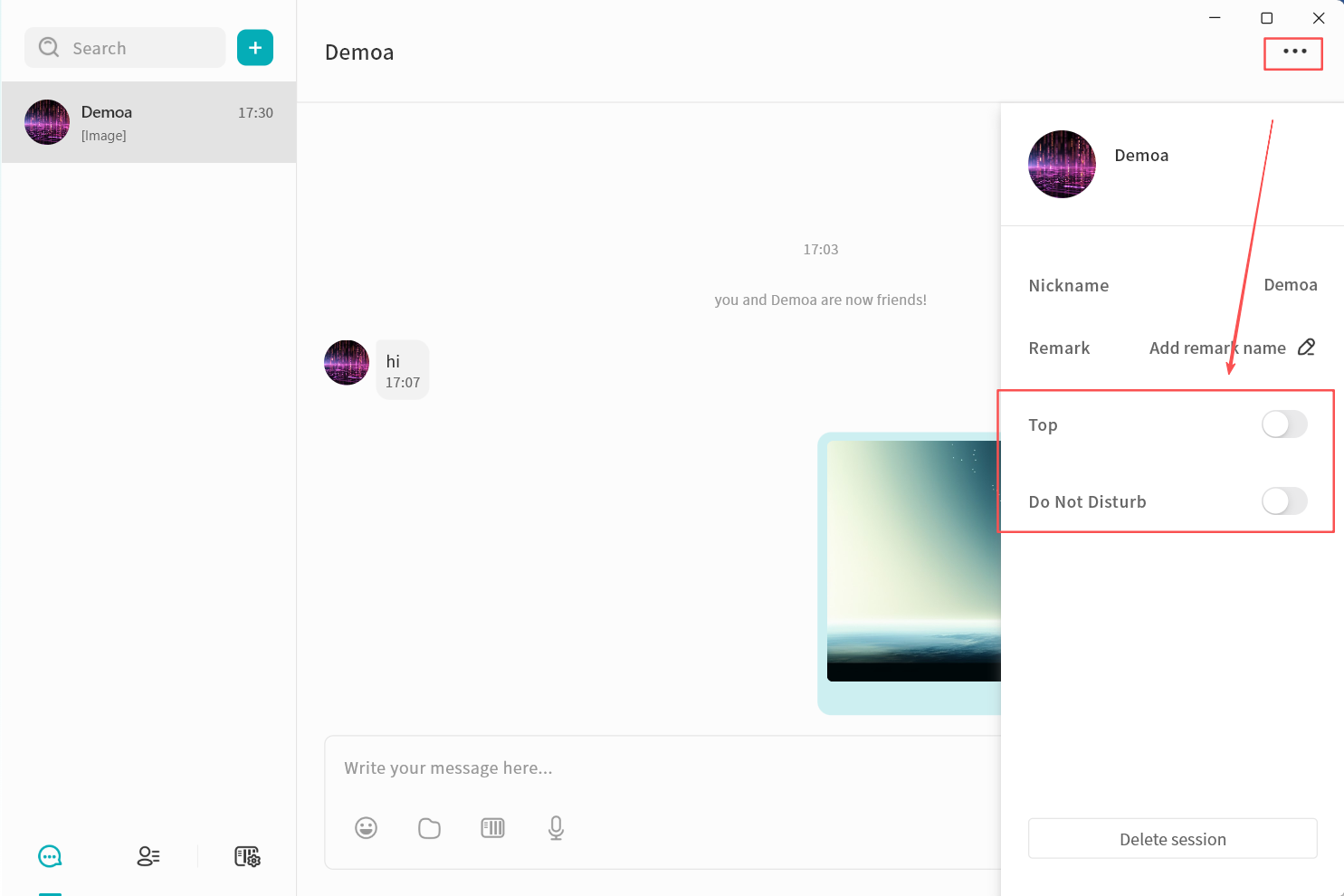
In the chat settings window, you can:
- Top: Keep the conversation at the top of the chat list.
- Do Not Disturb: Disable new message alerts for the conversation.