External Storage
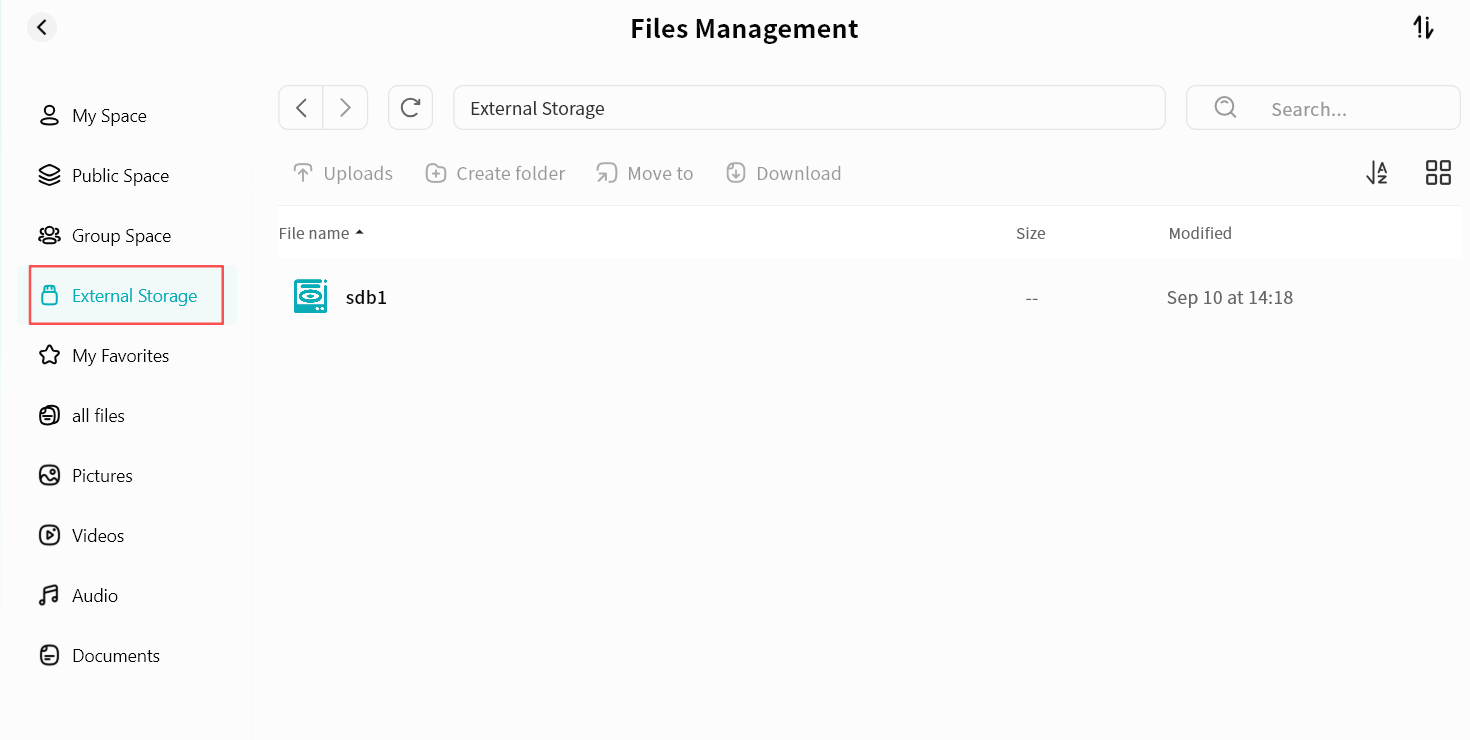
When a USB drive is connected to the DASSET device, you can access its data through the External Storage function in the client. Files on the USB drive can be managed in the same way as files in other DASSET spaces. You can enter External Storage by clicking the External Storage icon in the app, or by selecting External Storage from the File Management sidebar. Supported Disk Formats: exfat, fat32, vfat, ext4, NTFS