Online Document Editing
DASSET provides a third-party online document editing tool as an extension application. With this tool, you can view and edit documents stored on the DASSET device directly. Supported formats include major Microsoft Office file types (DOC, DOCX, XLS, XLSX, PPT, PPTX, Visio, MS Publisher), standardized open document formats (ODT, ODS, ODP), and PDF.
Installing the Online Document Editing Tool
- In the third-party applications, select Online Document Editing Install.
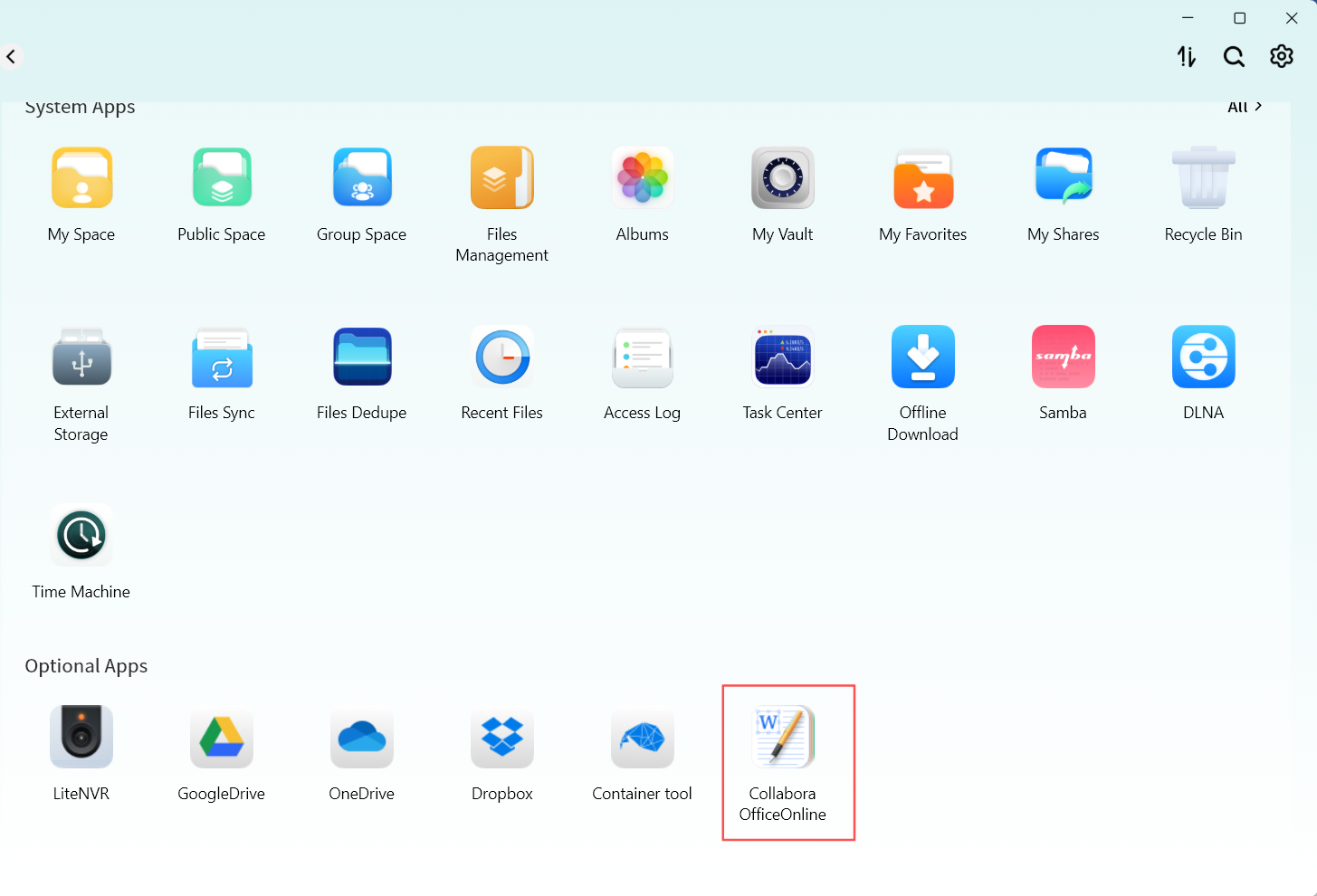
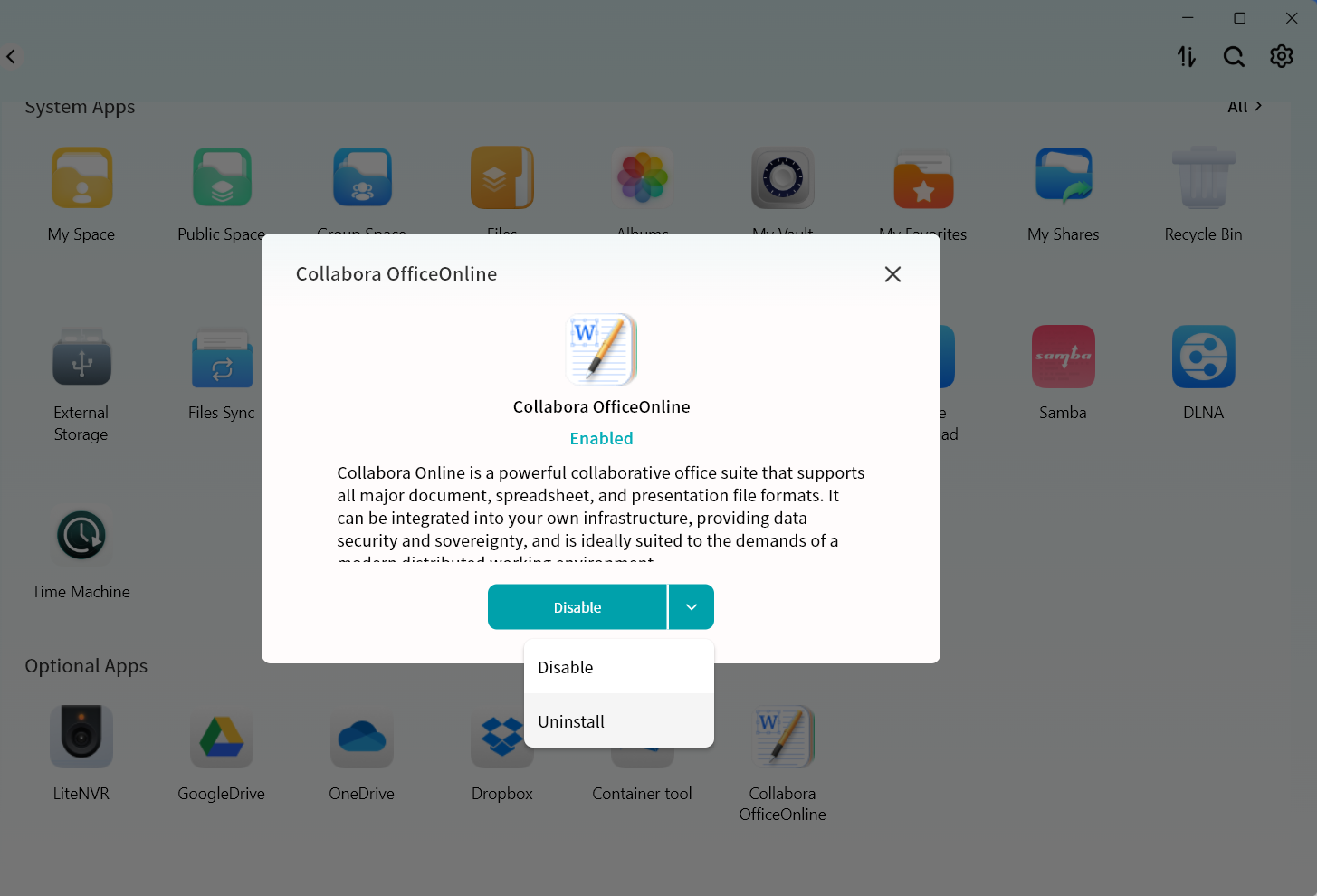
- Wait for the installation to complete. The tool will be automatically installed on the DASSET device. You may also use the dropdown menu to disable or uninstall the tool.
- Once installed, you can open and edit documents stored on the DASSET device directly.
tip
Document preview and editing are performed on the DASSET device itself, without downloading files to your computer.
Online Document Preview and Editing
You can select any document stored on the DASSET device and choose Online Edit to preview or edit its content. All edits are saved directly on the DASSET device. Example using a Word document:
- Select the document and choose Online Edit.
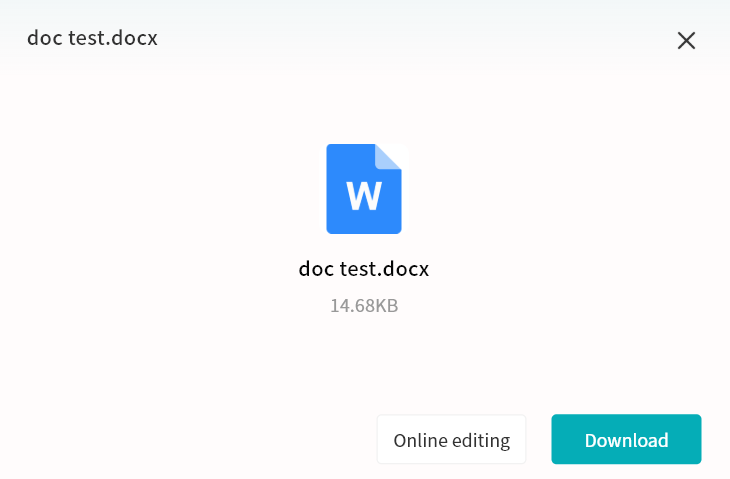
- The online editing tool will open the Word document, allowing you to view and edit it.
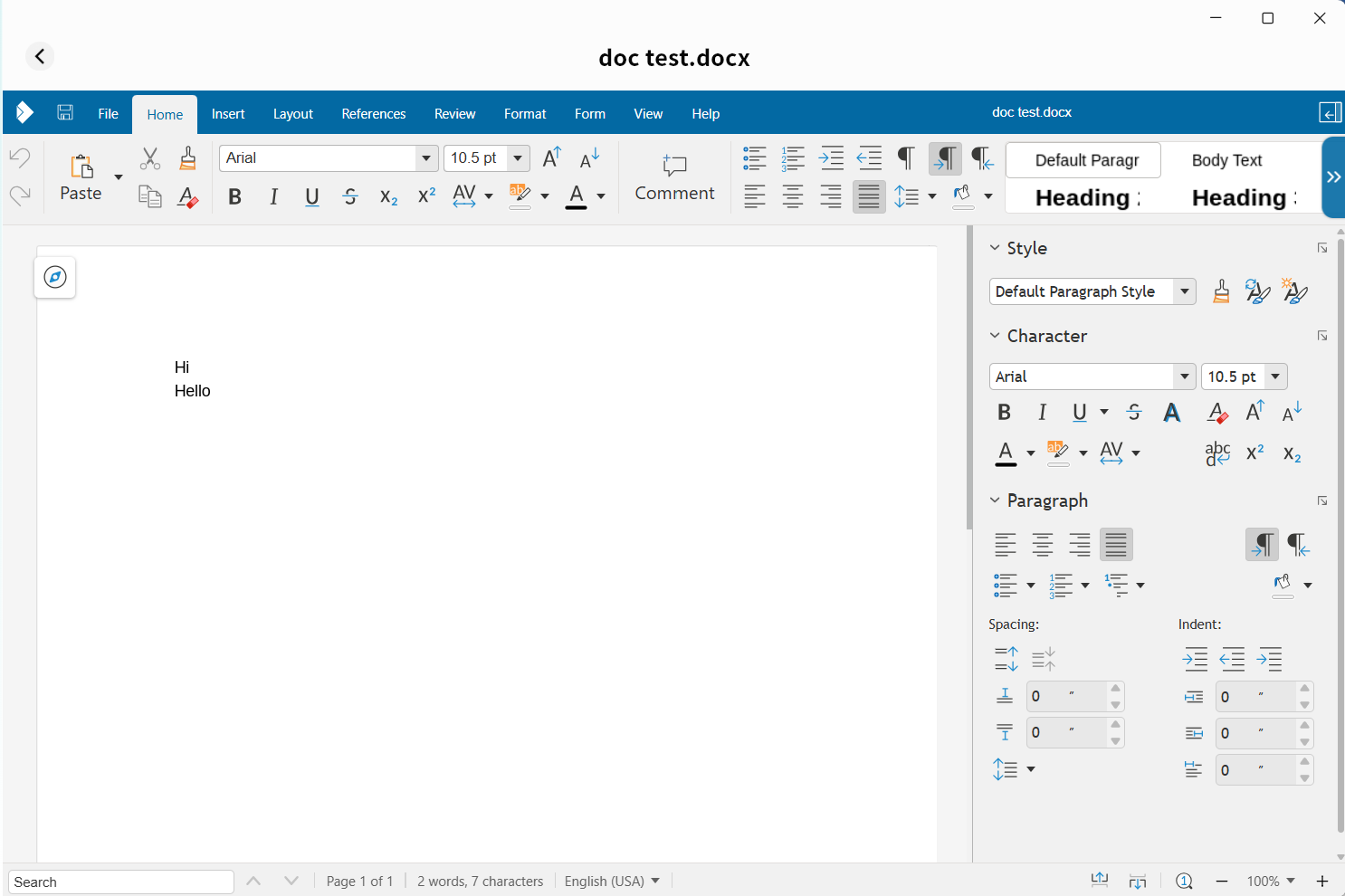 For more details on using the online document editing tool, refer to its built-in help documentation.